
Summary
PM3Time Release 10.3 introduces 3 new features: Multi Factor Authentication - which will allow users to set up another layer of authentication to make their account more secure. Daily Notes - Which now allows for admins to toggled the ability to enter Notes against a timesheet task for each day, rather than for each week. And Universal Approval - Which allows admins to toggle the ability for timesheets to be approved by anyone across the organisation, rather than just the person the timesheet was sent for approval to.
Major Functionality
Multi Factor Authentication - #19050
This release introduces the ability to allow, or enforce, the use of multi factor authentication.
User Settings
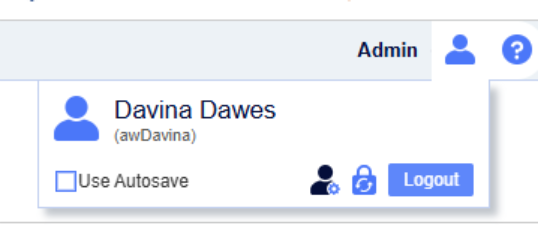
There is a new section to manage user settings, accessible from the new “Manage My Details” icon. Currently, you can manage your MFA devices here. This is the new icon to the left of the padlock.
On this new page, the user can add multiple email addresses and mobile numbers


Login
When MFA is enforced, the user will be presented with the option at login, to use any one of their devices for authentication:
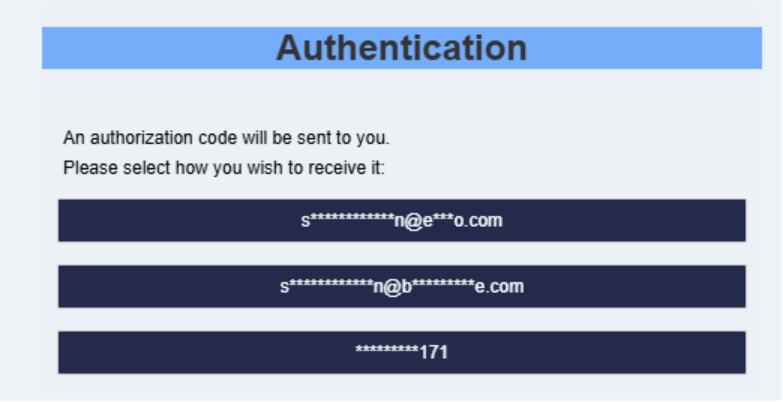
Upon selecting one of these, a code will be sent to the selected device
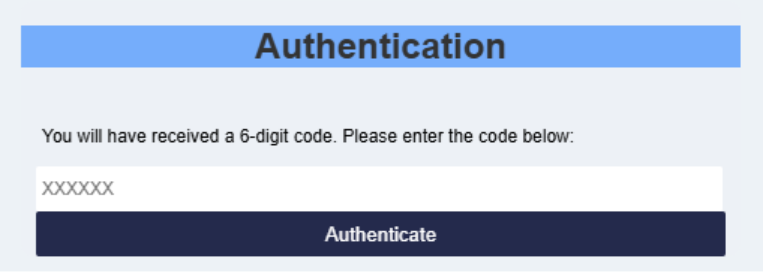
If MFA is enforced, and the user hasn’t previously created an MFA device, then one will be created from their current email address, and they will be able to use that.
Daily Task Notes - #30804
This release lets organisations record task notes once per week (as before), or separately for each day worked on a task, giving more granular context on time logged.
Recording a Note
Click a day cell (or the task row in Weekly Notes mode) to open the Notes panel for that task. A blue triangle indicates a day cell that already has a note, and a Clear note button removes it.
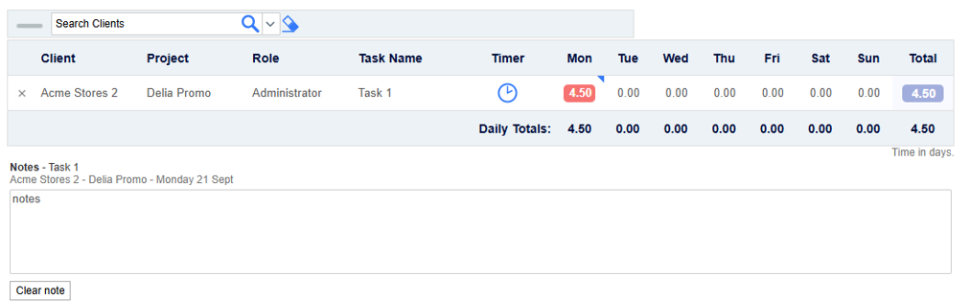
Configuring Task Notes Mode
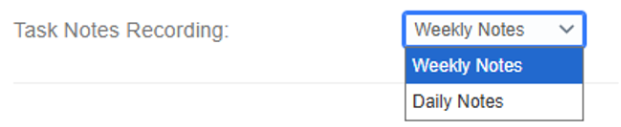
Administrators choose Weekly Notes or Daily Notes per organisation from Admin > Customer > Task Notes Recording. The change is not retroactive - existing timesheets keep the mode they were created under.
Universal Approval - #30871
This release introduces Universal Approval, letting designated approvers approve or decline any outstanding timesheet or annual leave request across the whole organisation, not just requests they are personally nominated for.
Enabling Universal Approval
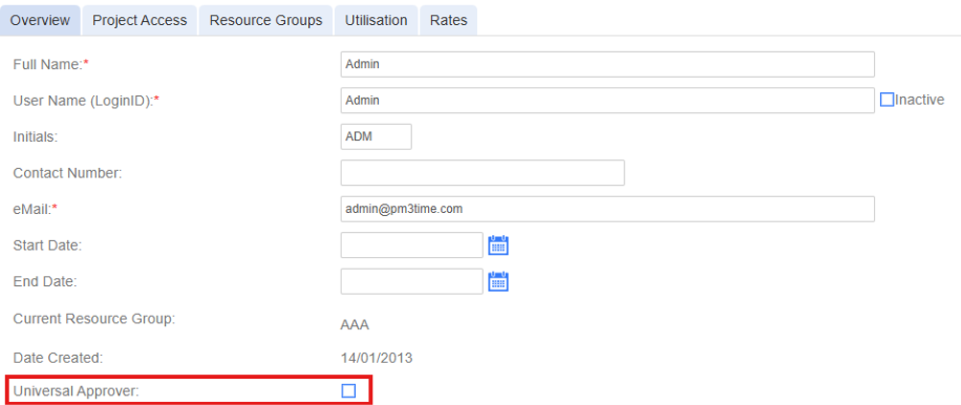
Administrators turn this on from Admin > Customer > Enable Universal Approval, then nominate individual Admin or Manager users as Universal Approvers from their User Details page.

Approving as a Universal Approver
On the Approvals tab, a Universal Approver sees every outstanding request for the organisation, not just ones assigned to them. The approval record shows their own name as the approver.